 Native macOS · Menu bar
All your AI usage,
in one menu bar.
AI Stats tracks quotas, limits, and spending across every AI account you use — Claude, ChatGPT, Codex, Cursor, Anthropic, OpenAI, Gemini — and keeps it all on your Mac.
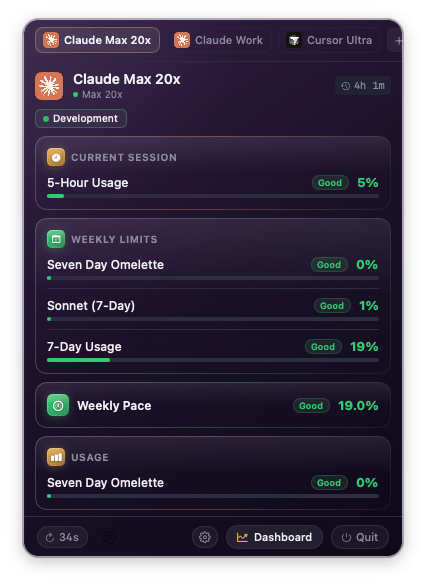
See it in action.
Every surface — the live dashboard, per-account detail, widgets, settings — is native SwiftUI and built to feel like a first-party macOS app.
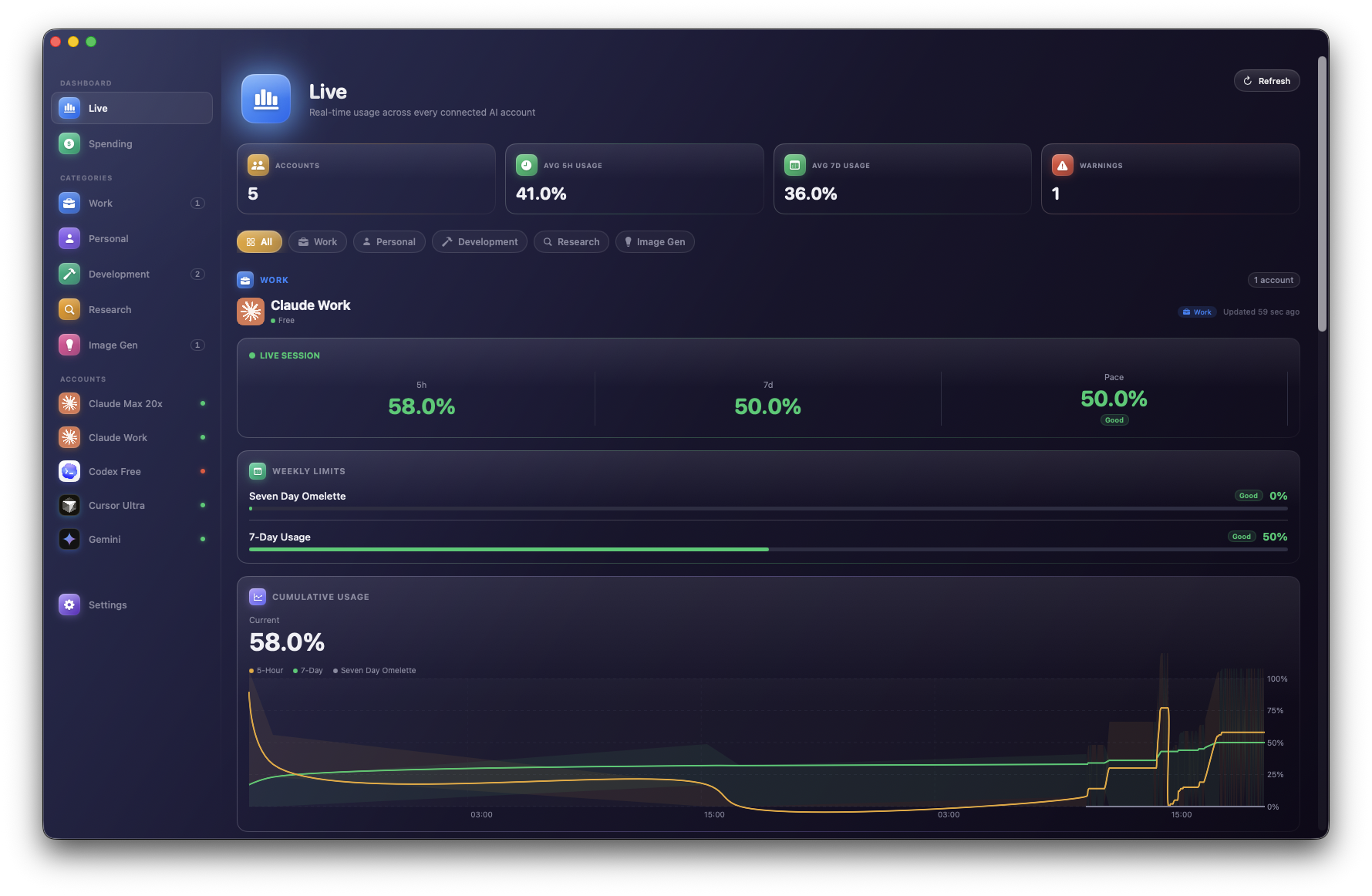
Every account, one glance.
Your whole AI footprint on one page — Claude, ChatGPT, Codex, Cursor, Gemini — colored by category, sorted by urgency. Click any account to drill in.
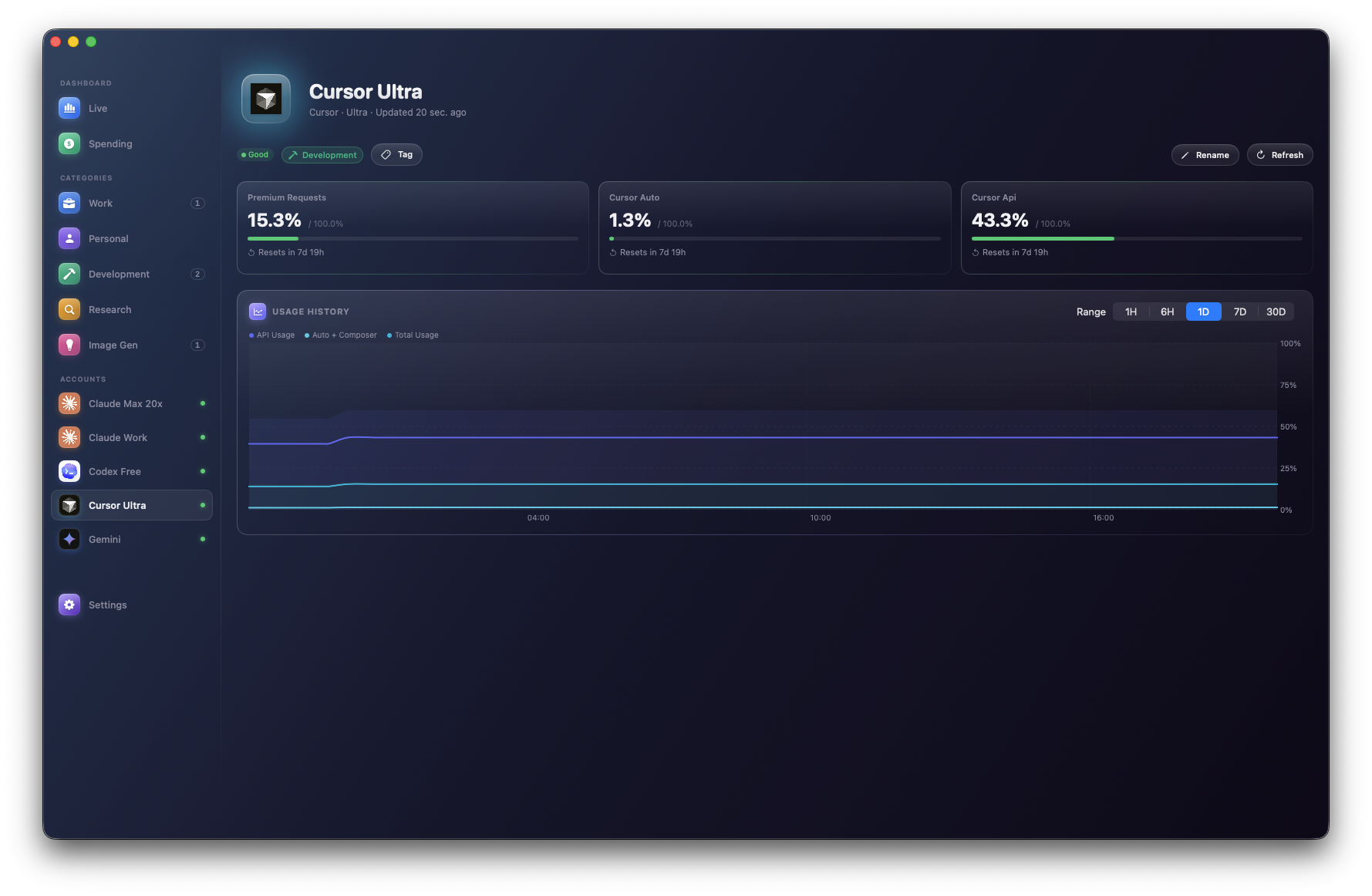
Premium, Auto, API — separated.
Cursor's three quota buckets show as their own metric cards so you can tell exactly which one you're about to burn.
Subscription status at a glance.
Days until renewal, plan tier, and — when OpenAI exposes them — the 5h / Weekly rate-limit windows straight from the backend.
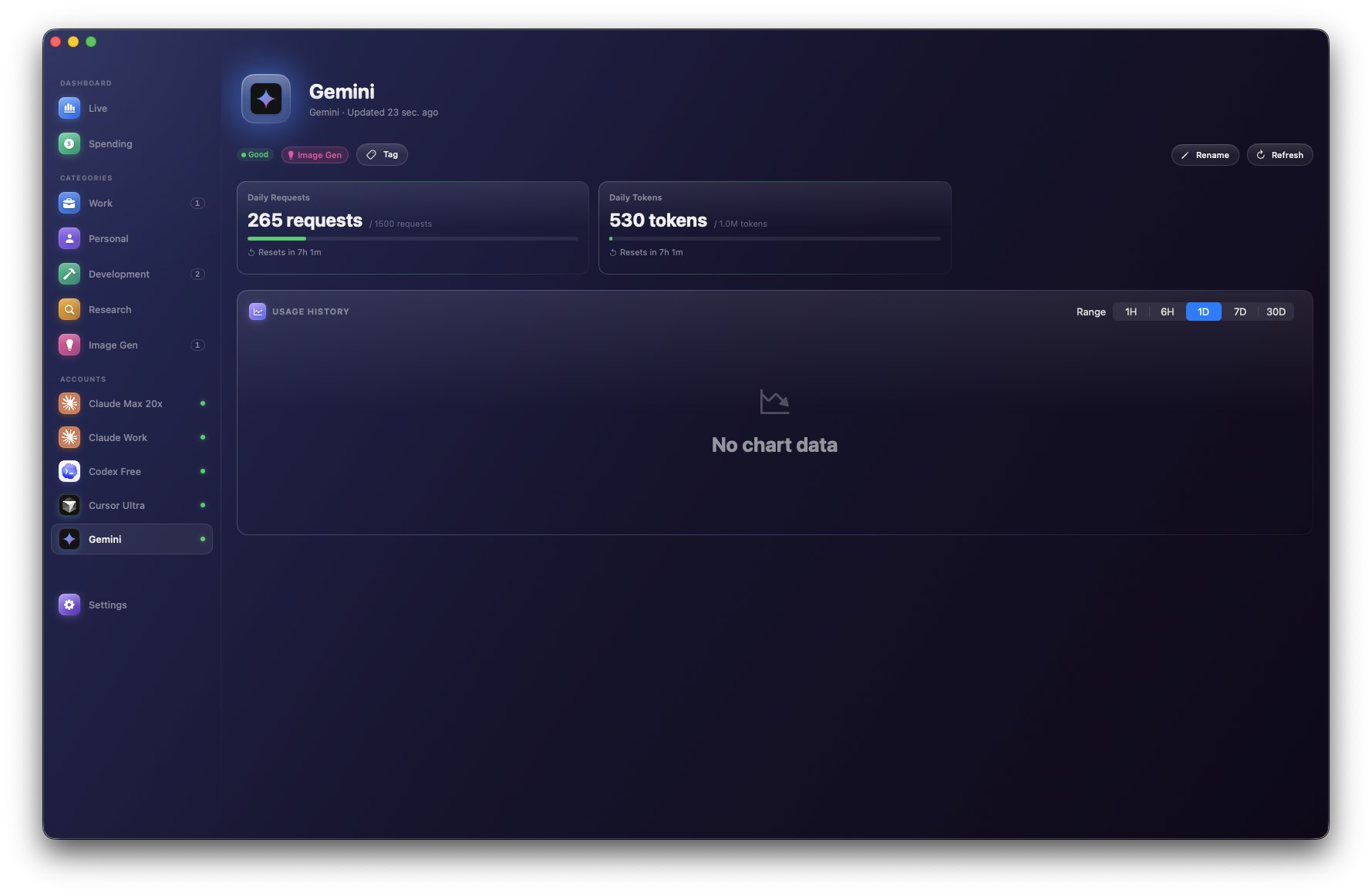
Daily requests & tokens.
Tracks your own Gemini API key's usage against the free-tier daily limits — AI Stats validates the key without burning your quota.
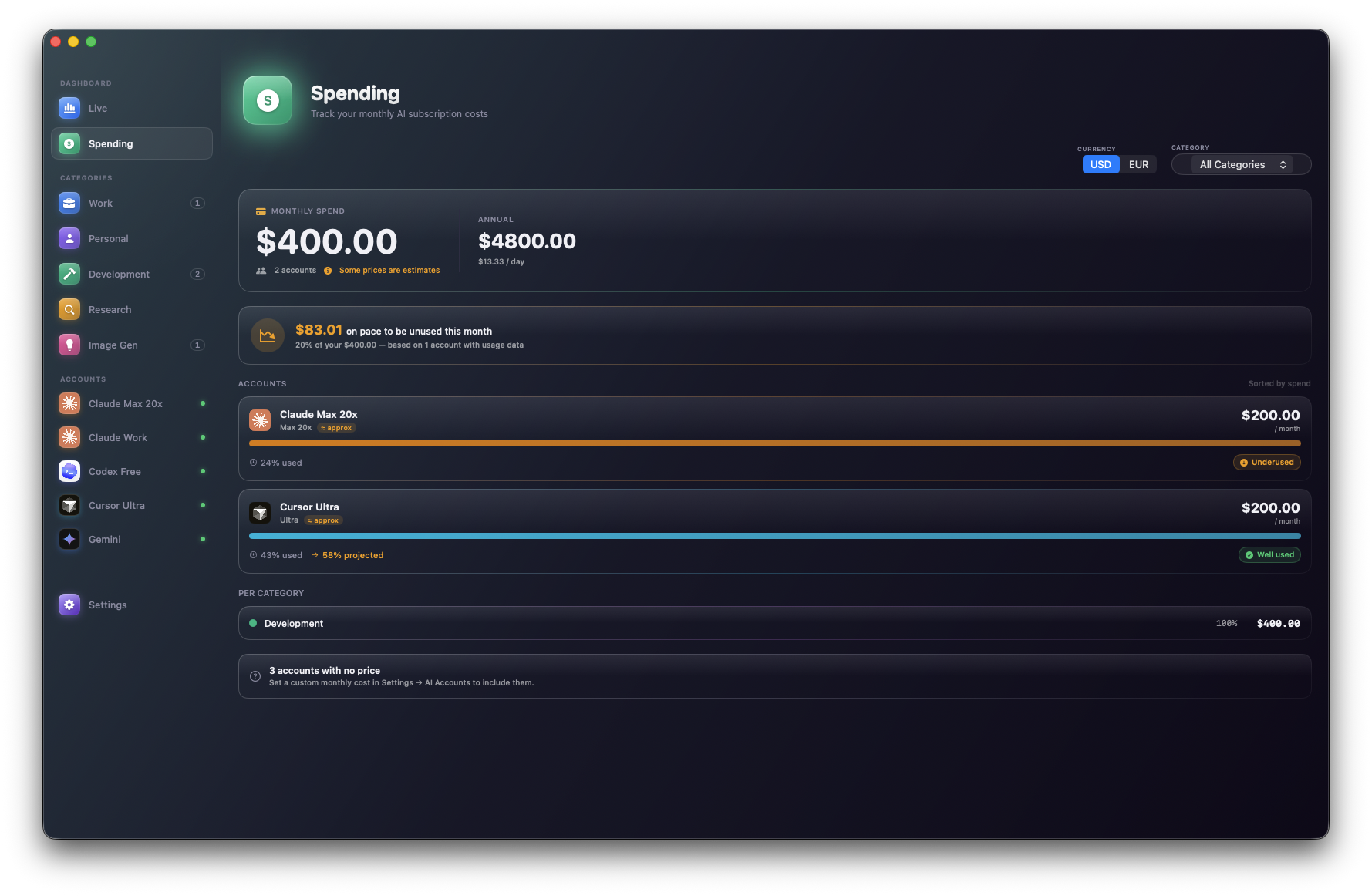
Know what each plan costs you.
Tag monthly prices per account, group by category, see a month-over-month trend line so there are no billing surprises.
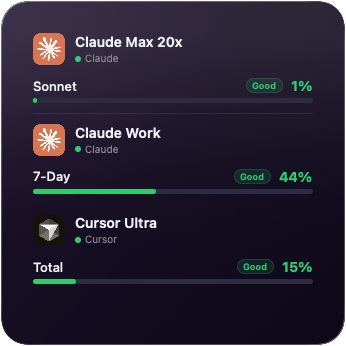
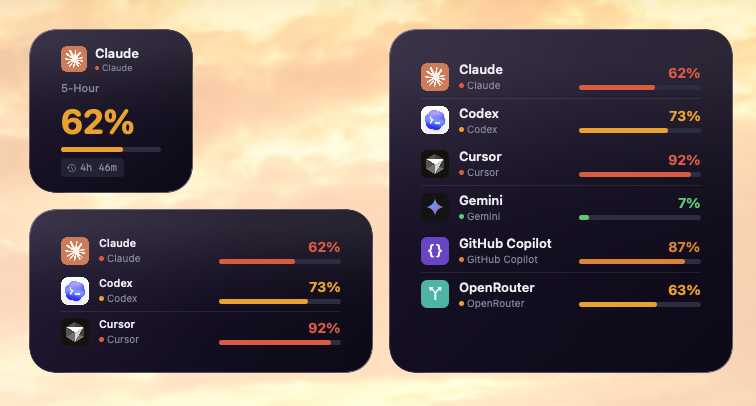
Small, medium, large — all native WidgetKit.
Pick one account to hero or rotate through all of them. Lands on your desktop, Notification Center, and Stage Manager side-panel.
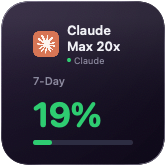
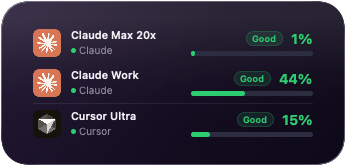
All three sizes, side by side.
Drop them anywhere macOS lets you — desktop, Notification Center, Stage Manager.
Tuned to the last pixel.
Pick which accounts and which metrics show in the menu bar, configure colors, compact mode, reset cadence — all without leaving the app.
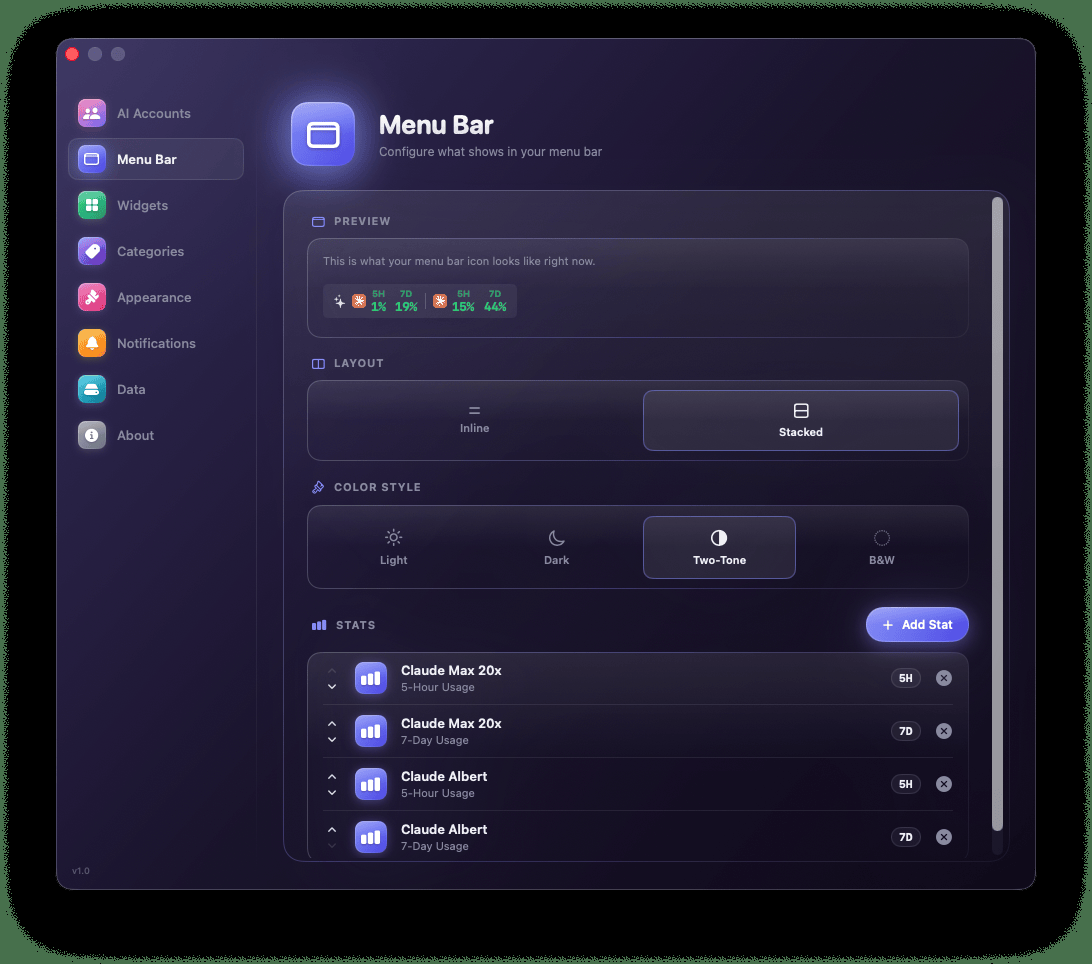
Everything you need, nothing you don't.
AI Stats is built from the ground up for macOS. No dashboards to open, no web app to log in to, no account to create.
At a glance in your menu bar
A live progress indicator for the account that matters most, right next to your clock.





Every major AI service
Claude, ChatGPT, Codex, Cursor, Anthropic API, OpenAI API, Gemini — add as many accounts as you need.
WidgetKit widgets
Small, medium, and large widgets for your desktop and Notification Center. Always up to date.
Smart alerts
Native notifications when you cross 60%, 80%, or 90% of any quota — with configurable thresholds.
Labels & categories
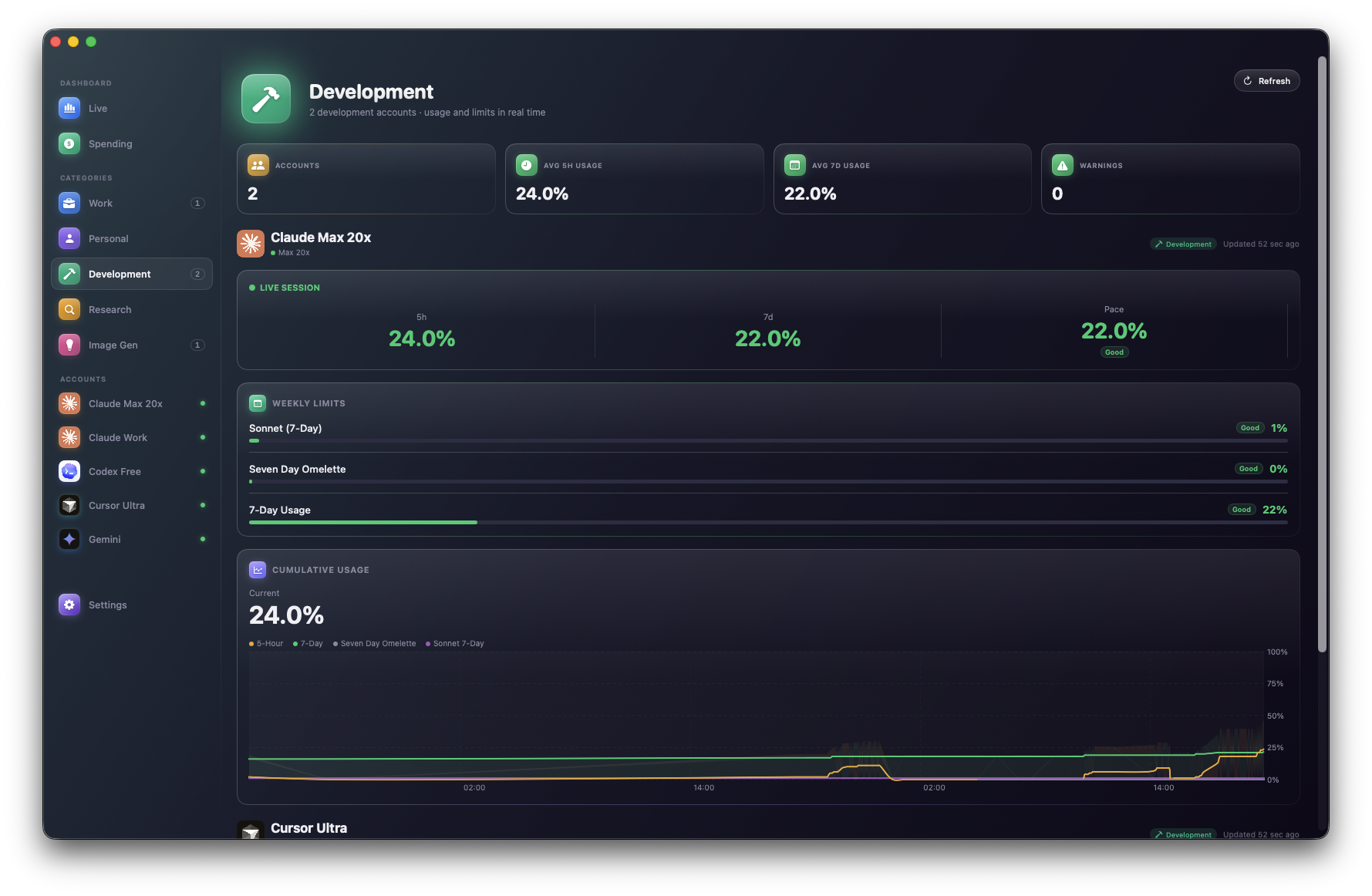
Organize accounts by Work, Personal, Client — and see totals per category, not just per service.
100% on-device
No backend, no analytics, no telemetry. Your credentials live in the macOS Keychain — never ours.
Zero data collection. Ever.
AI Stats doesn't have a server. There's no user account, no cloud sync, no analytics SDK. Every credential stays in your Keychain and every request goes straight from your Mac to the AI provider you chose.