Your limits, ticking in the menu bar
Every session, weekly and per-model limit, with the countdown to its reset. Switch accounts at the top, and the menu bar follows the one you care about.
Click an account, or press ←→ while it's on screen.
The numbers here are a demo. AI Stats reads yours from each provider.
 AI StatsnowClaude Max — 5-Hour UsageUsage at 75% — Getting close to your limit.
 Claude Max5-Hour Usage
Good
Claude Max5-Hour Usage
Good
Resets in 2h 14m
Limits colour as you go
Green under 60%, yellow to 79, orange to 89, red from 90. Alerts arrive at 50, 75 and 90%, or at thresholds you set per account. Drag the slider to try it.
- Goodunder 60%
- Caution60–79%
- Warning80–89%
- Over90% and up
The plans you already pay for, side by side
Connect each one the way its provider allows: a web sign-in, the app you already use, or an API key. AI Stats reads the same numbers the provider shows you.
Claude
5-hour and weekly limits, Sonnet and Opus separately, each with its reset.
Web sign-in or API key
ChatGPT
Your plan's usage limits, read from the session you're signed in to.
Web sign-in or API key
Codex
5-hour and weekly windows, plus the days until your plan renews.
Codex sign-in or API key
Cursor
Premium, Auto and API usage as three buckets, so you know which one is running out.
Cursor sign-inGitHub Copilot
Premium requests and chat quota for the month.
GitHub token
Gemini
Daily requests and tokens against your key's limits.
API keyOpenRouter
Credit balance, and how much of your key's quota is left.
API keyAPI keys
Anthropic, OpenAI, Gemini and OpenRouter keys add spending from each billing API.
Spending and rate limits
Mac, iPhone and iPad. One app.
Menu bar, dashboard and desktop widgets on the Mac. The app and its widgets on iPhone and iPad. One download, and Pro unlocks on all of them.
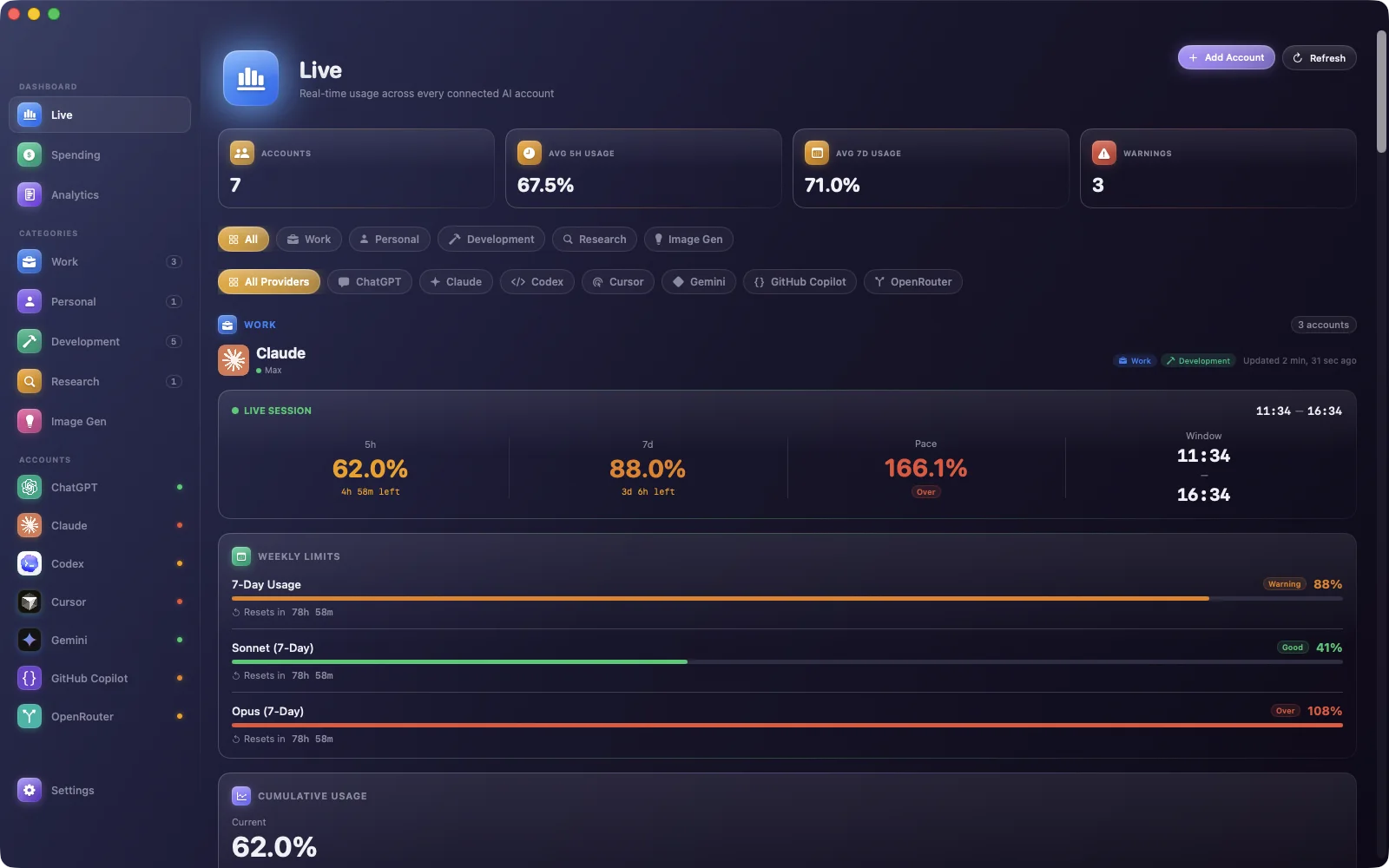
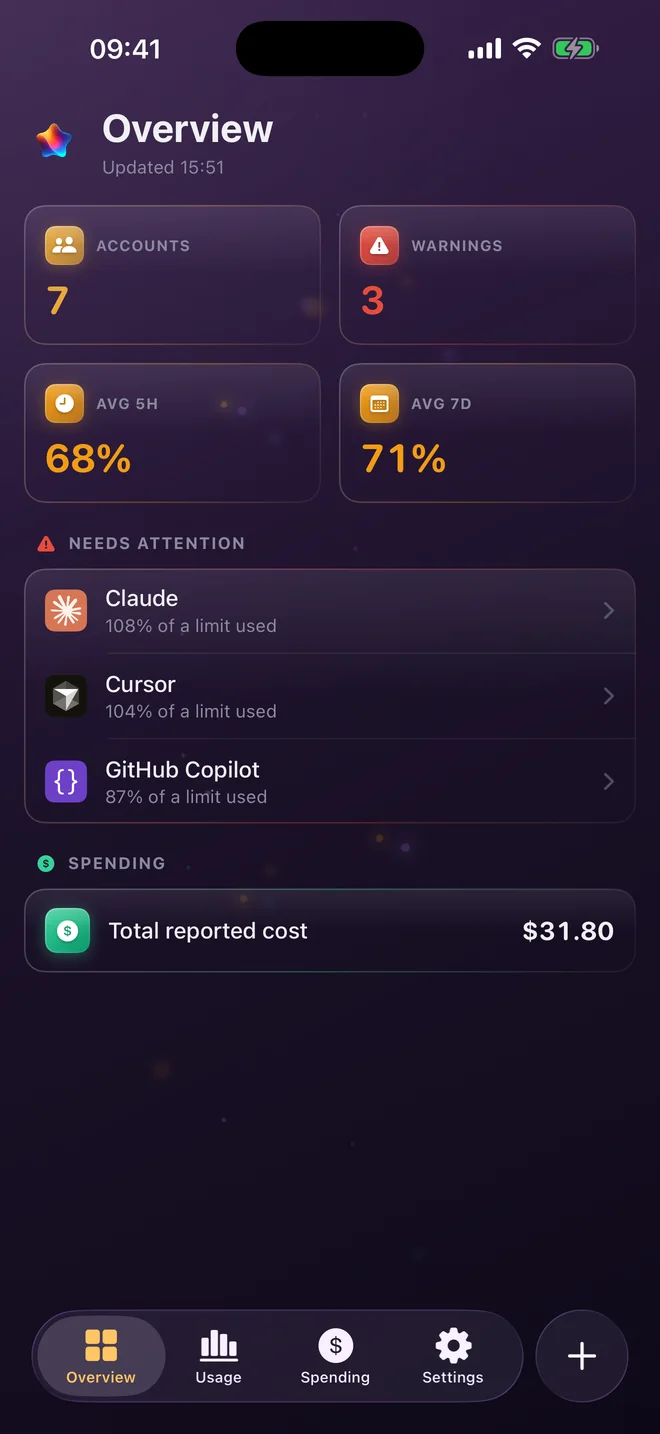
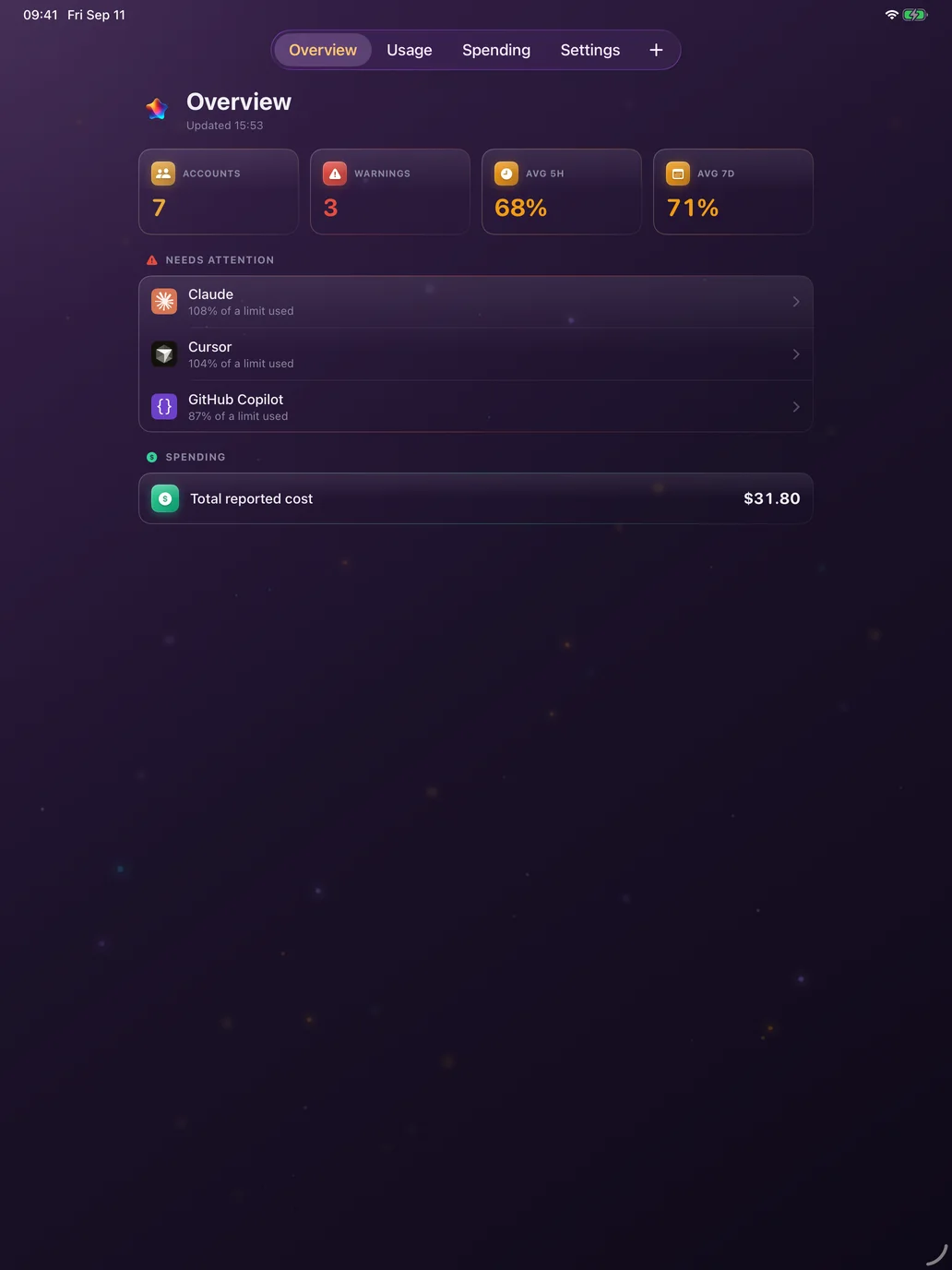
- HistoryUsage over days and weeks, kept on the device.
- SpendingMonthly plan prices and API spend, grouped by label.
- LabelsWork, Personal, Client. Totals per label, not just per service.
Make it yours
Glossy or Clean, in one of six accents. The app and its widgets follow along, and so does this page. Status colours never change, so red always means red.
Violet · Free
Nothing goes through us
There's no AI Stats account and no AI Stats server. Your keys and sessions sit in the device Keychain and go only to the provider they belong to. Your history stays on the device.
- No account to makeInstall, add a provider, done. There's nothing to sign up for, and nothing of yours on our side to leak.
- Keychain onlyAPI keys and session cookies are encrypted by the system and used only to talk to that provider.
- Diagnostics you can switch offThe Mac app sends anonymous crash reports and usage counts, off with one switch in Settings → General. iPhone and iPad send nothing.
- Every account, side by side
- Five more accents: Gold, Emerald, Blue, Rose and Slate
- Mac, iPhone and iPad, with Family Sharing
Free for your first account
Download AI Stats free and track one account for as long as you like. Pro is for when you have more than one. These stay free forever:
- One account
- Menu bar
- Widgets
- Alerts
- Violet theme
The App Store shows Pro's price in your currency (US$7.99 in the US). Bought AI Stats before 2.0? You keep everything.
See the limit coming.
Free on the Mac App Store and the App Store. One account free forever, and one purchase for the rest.
macOS 14 Sonoma or later · iOS and iPadOS 18 or later